

Scratch Card
The Scratch Card element adds an interactive gamification experience to your widget. Visitors scratch a virtual card to reveal their prize after submitting the form.
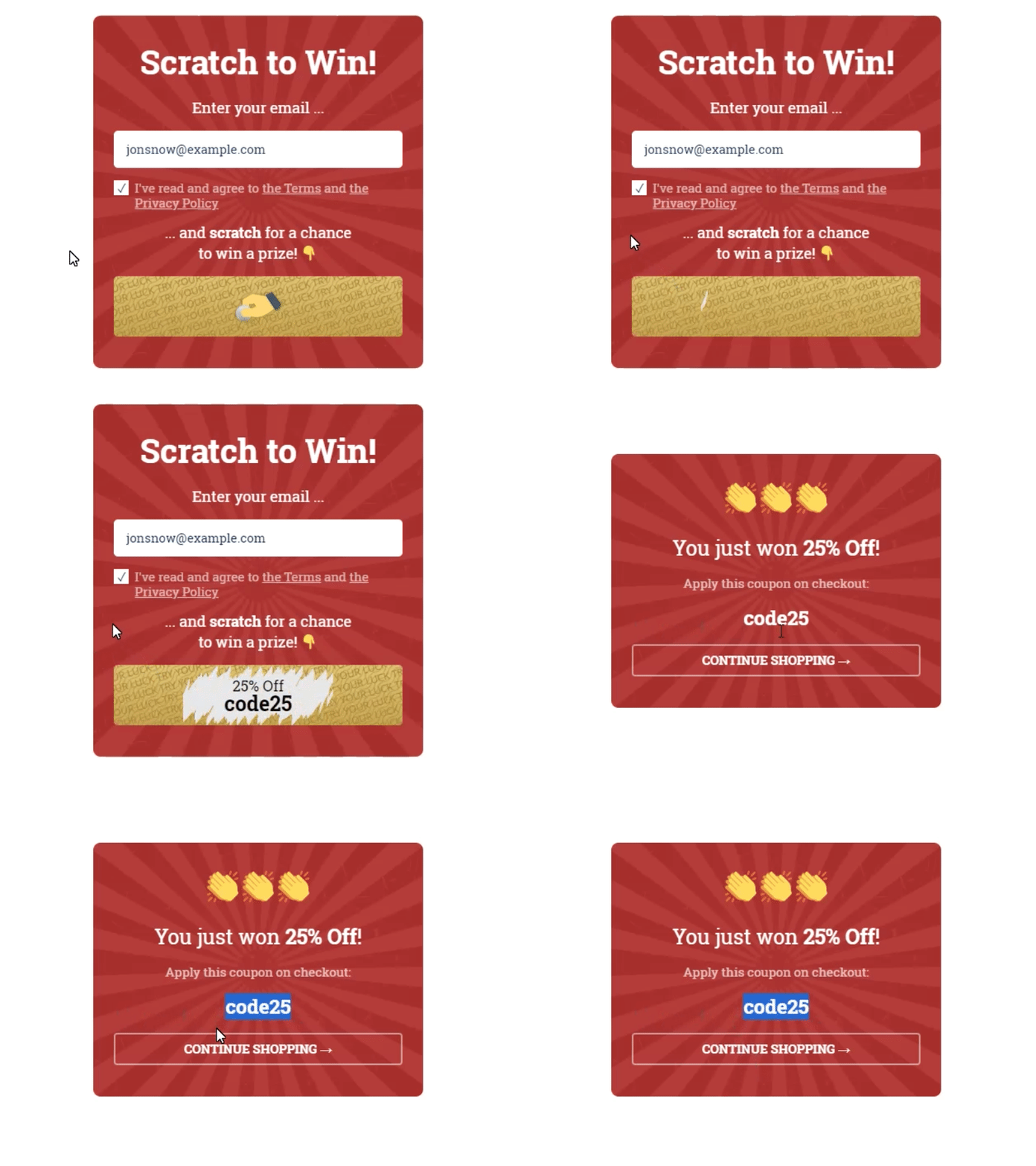
Add a Scratch Card by dragging it from the Elements tab in the widget builder.
---
Prizes Settings
Configure your prizes in the prizes table:
| Column | Description |
|---|---|
| Prize | The name displayed when the card is scratched |
| Coupon code | The coupon or value awarded to the winner |
| Gravity | A number from 0 to 100 that controls how likely this prize is to be selected. The actual percentage chance is calculated as this prize's gravity divided by the total gravity of all prizes. |

---
Data Fields
When a visitor wins a prize, the prize name and coupon value are stored in your Popup Subscribers list and sent to any connected integration.
If you use multiple gamification widgets on the same site, assign unique field values to each widget so the data from one does not overwrite the other.

---
On Game Actions
The Scratch Card supports the same action assignments as a subscription button. You can assign actions to the scratch card element the same way you assign them to buttons.
For details on available actions, see Button Actions.
---
Design and Layout
Customize the scratch card's appearance using the design controls for colors, overlay texture, and revealed-state layout.

---
Starting the Game
The scratch animation starts after the visitor successfully submits the form.
The scratch card can be used alongside a submit button on the same screen. Either element triggers the animation. Actions assigned to both the submit button and the scratch card are executed when the visitor clicks either one.
---
Displaying the Prize
After the card is scratched, you can show the prize name and coupon code using shortcodes. Click the "{ }" icon in the text editor to insert a prize shortcode. The shortcode is replaced with the actual prize value after the scratch.


For more on shortcodes, see Dynamic Text Replacement.
---
Need more help?
If you've worked through this and still need a hand, contact support — we'll dig in with you.