

Setup
Add Workspaces - eCards
Learn how to create and manage new workspaces in your eCards account.
The following steps will highlight how to add new workspaces to your eCards account:
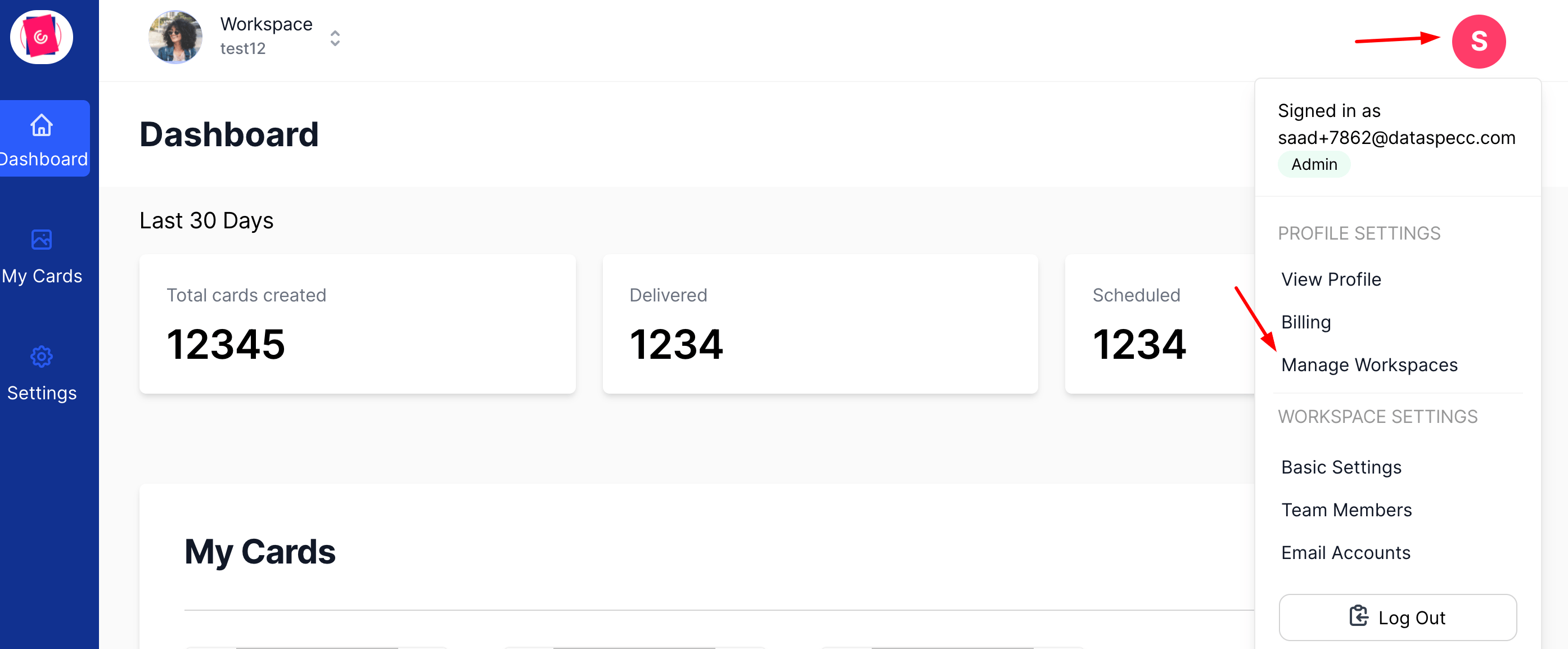
Step 1: Access the workspace menu from the settings
Click on "Manage Workspaces".
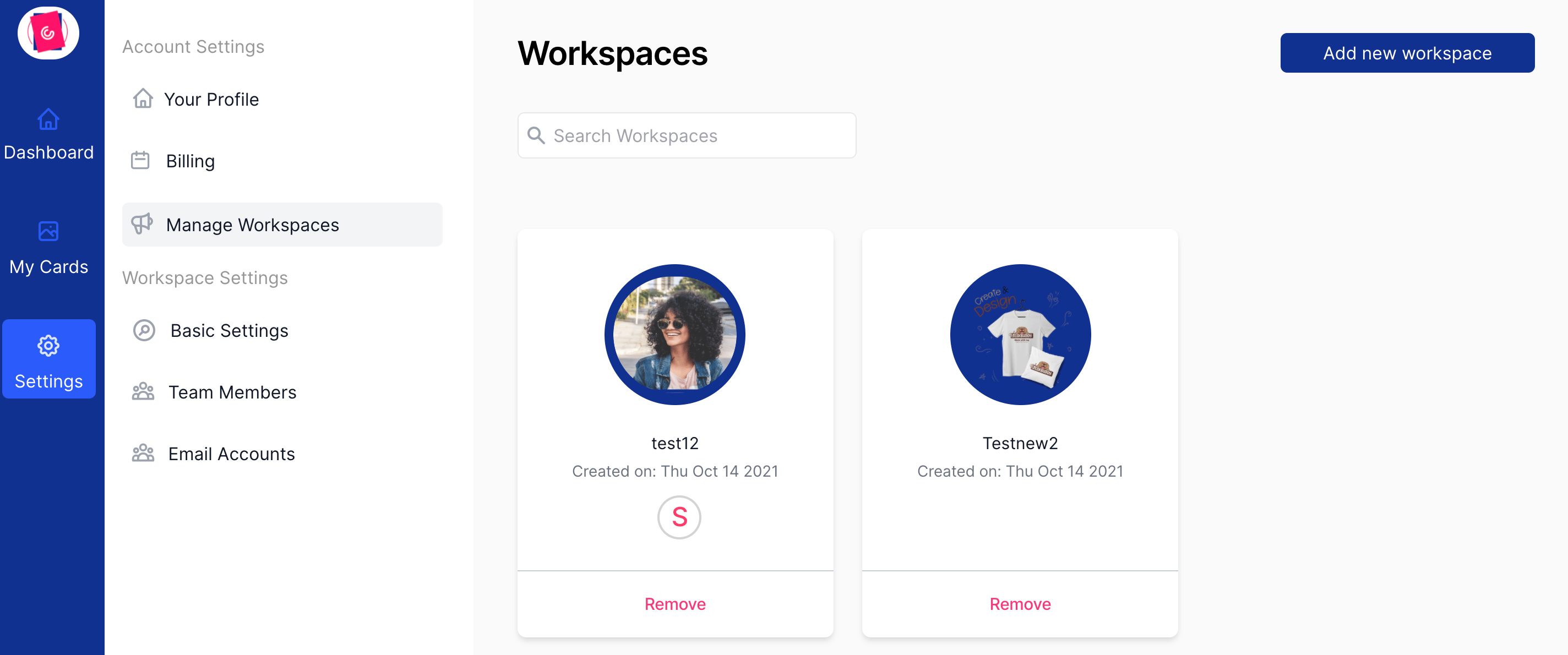
Step 2: Add a new Workspace
Click on the "Add new workspace" button on the top right.
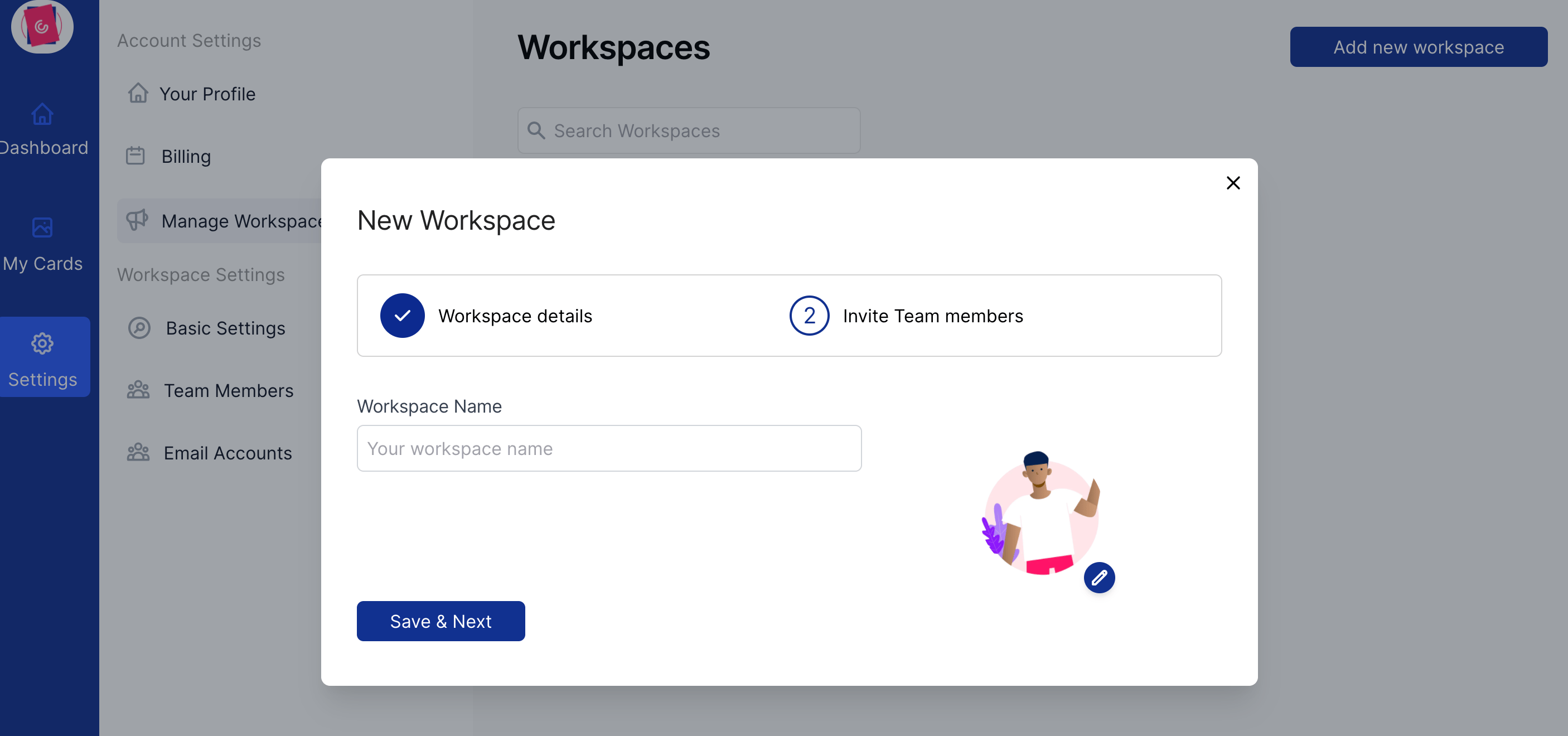
Step 3: Workspace Name
Set your workspace name and upload a workspace image to make it easily identifiable. A logo of the brand can work well.
[!WARNING]
Workspace name can only contain alphabets.
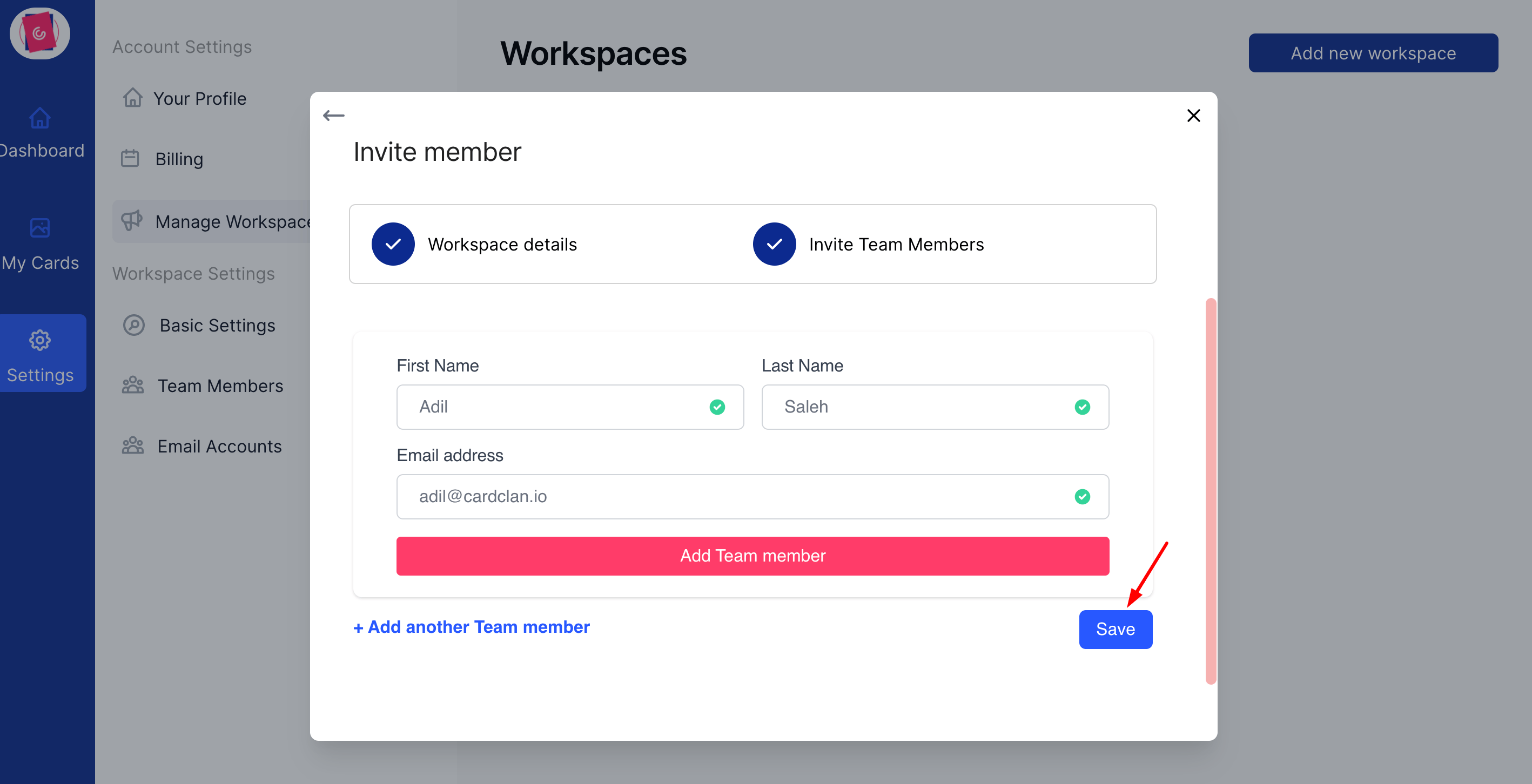
Step 4: Add team members
Add new team members to the workspace (If you don't want to add a team member just click "Save") and your workspace will be created.
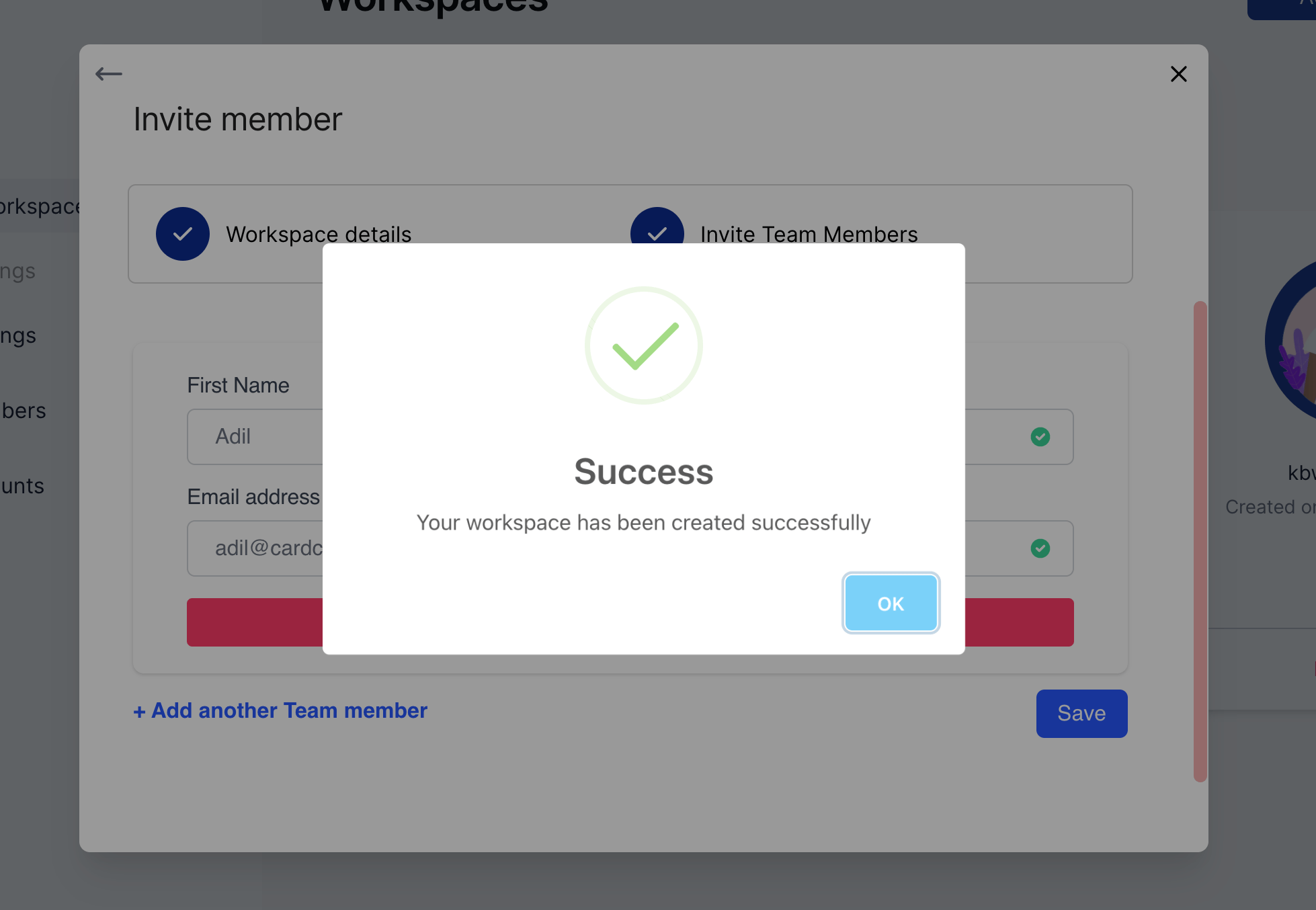
You have successfully created your new workspace!