FAQ
How do I set-up my own autoresponder? - Social
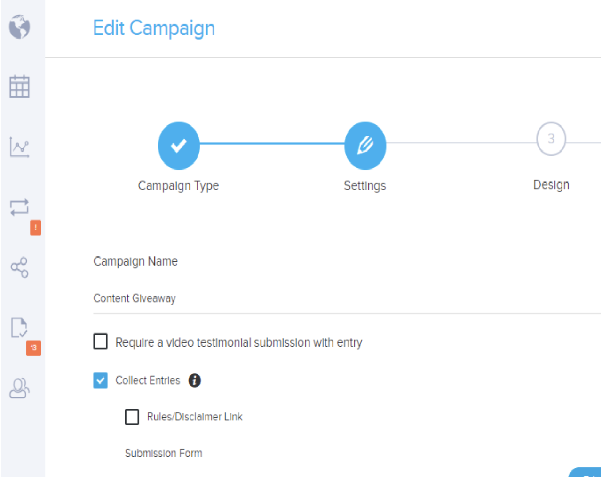
Follow the instructions below to customize the autoresponder of a campaign.
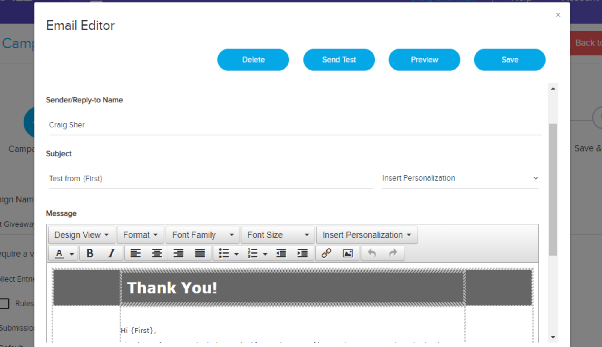
Go to Campaigns Editor > Settings. From there, find Email Notifications. Choose the email that you want to edit. Click on 'Edit' on the right side. It should open the Email Editor where you can set up the email that your participant will receive upon submitting an entry in your campaign.