Features
How to edit HTML in campaign templates? - Social
Learn how to edit the HTML in each campaign template.
You can edit the HTML in the content area.
Just click anywhere and the content editor should pop up.
Then click on the HTML button. You should be able to see the HTML editor window and edit from there.
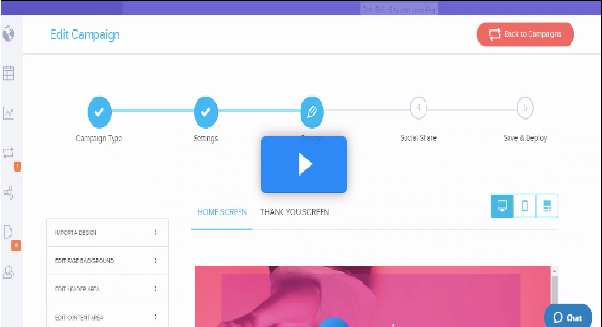
Please watch this video: