

Features
How do I change the default video in Video Landing Page template? - Social
Customize your Video Landing Page.
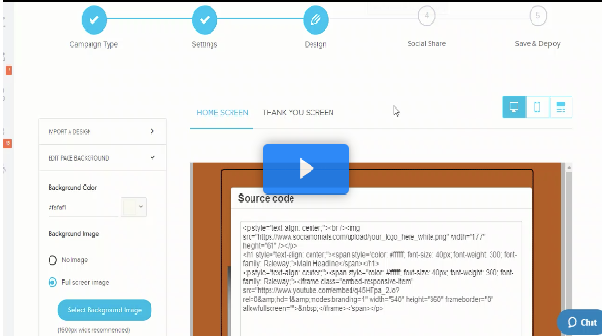
Go to Design > Click on Header text > the content editor should pop up > Click on HTML > change the url of the video to what you want to use.