How can I approve posts of other users in my account? - Social
This is how you set-up your users' posts so it will require your approval before posting.
[Update 23 Jun 2023]
𝗡𝗘𝗪 𝗙𝗘𝗔𝗧𝗨𝗥𝗘: 𝗔𝗰𝗰𝗼𝘂𝗻𝘁 𝗢𝘄𝗻𝗲𝗿𝘀 𝗖𝗮𝗻 𝗡𝗼𝘄 𝗝𝗼𝗶𝗻 𝗮𝗻 𝗔𝗽𝗽𝗿𝗼𝘃𝗮𝗹 𝗪𝗼𝗿𝗸𝗳𝗹𝗼𝘄!
When you start a fresh account, in the past, you would need to also set up a User login for yourself separate from your main login credentials if you wanted to approve routings. Now you don't have to. You only need to set up User accounts for your staff and clients!
New Update [15 June 2020]: We've made it easier to approve posts. In addition to the current method of approving from the Approve screen, you can now also approve them directly within the Queue.
To be able to do this, first, you have to add yourself as a user and assign it as 'Admin.'
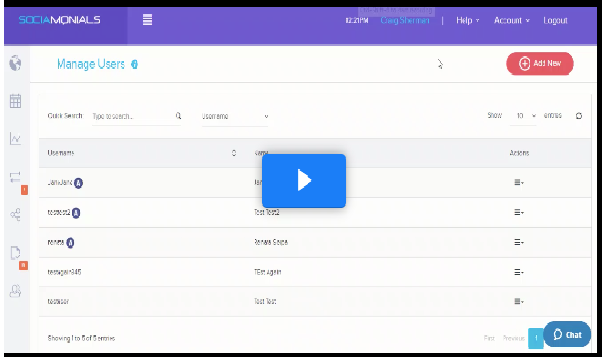
Go to Account > Manage Users > Add New
Then, go to your user's account, click on the dropdown arrow, select Edit
Scroll down until you see 'Permissions' then 'Publish'
Select 'Hold social posts for approval'
Then select your username. That's it!